|
|
|
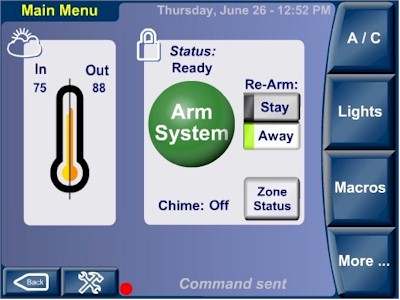
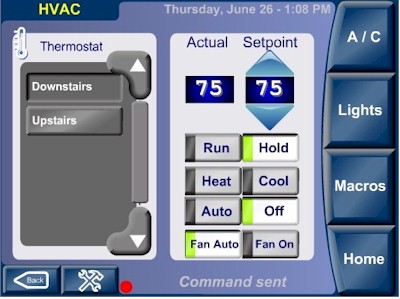
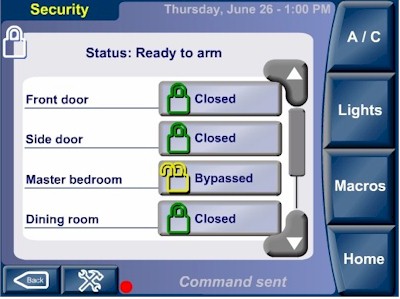
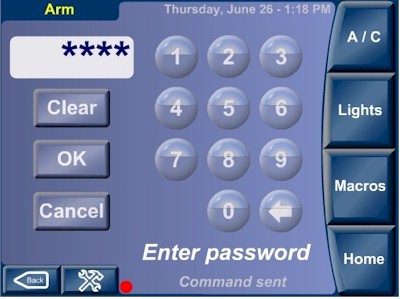
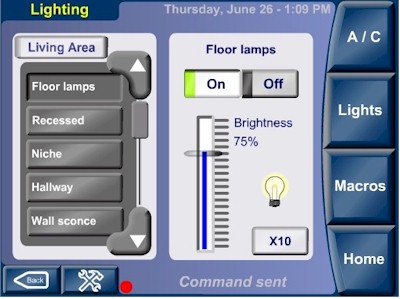
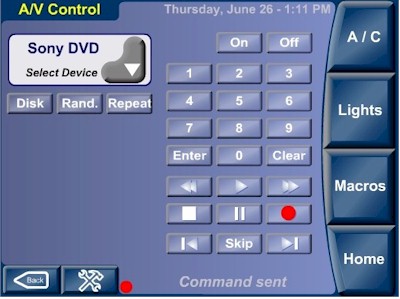
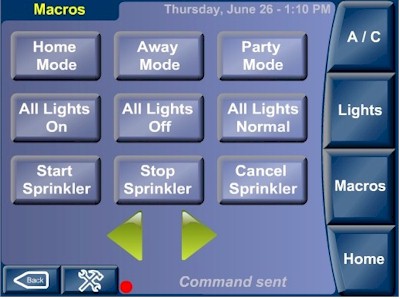
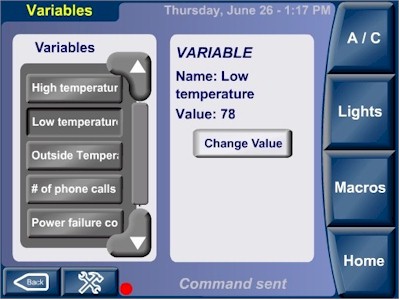
HomeVision "Movie" for Web Browser ControlBorg Displays, formerly Convergent Living and CorAccess Systems, (http://borgdisplays.com/Companion.html) makes a series of color touchscreens named Companion that can be used with HomeVision and HomeVision-Pro. The touchscreens work by running a “movie” written in Flash (http://www.adobe.com/products/flashplayer/). The movie provides the display screens by which users can control their home. We have now developed a modified version of this movie that can run on a PC. It can run within a web browser or in a Flash player. It requires the HomeVision (or HomeVision-Pro) controller to be connected to a PC serial port and the HomeVision (or HomeVision-Pro) software (version 3.42 or higher) to be running on the PC. The figures below show some of the screens:
Download Flash MovieThis zipped file contains the flash movie plus documentation for using it on a PC: This movie requires the Macromedia Flash Player (version 5 or higher), which you can download here http://www.macromedia.com/shockwave/download/alternates/.
|
|
|